How to verify/add a blogger blog in Google Webmaster Tool or Search Console. How to verify your site's ownership.
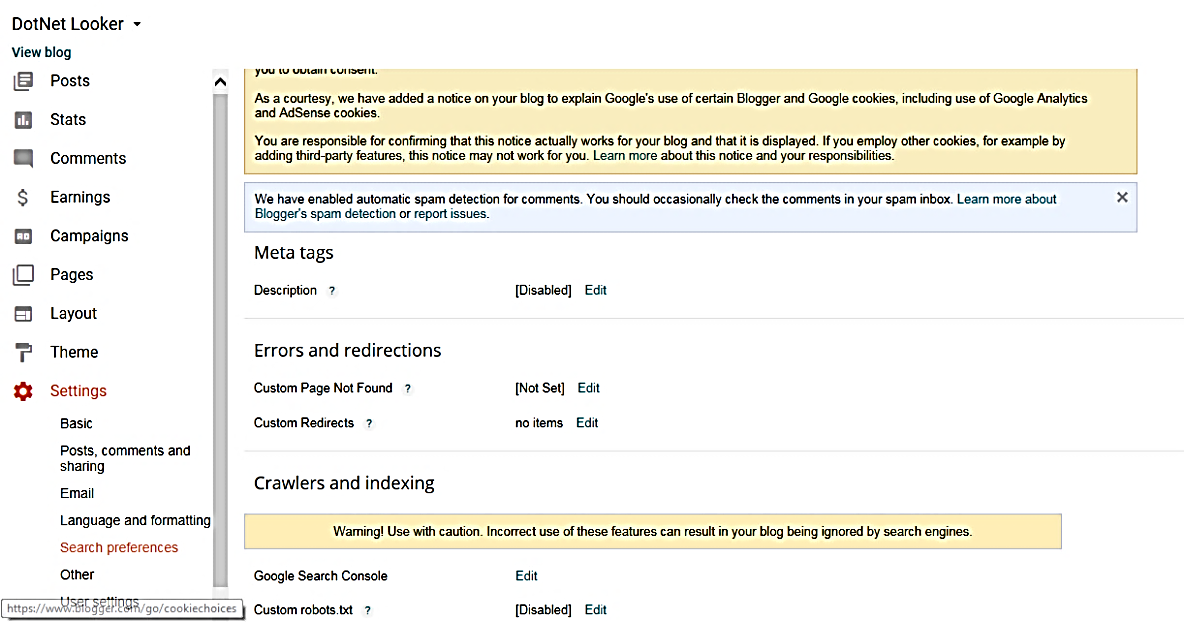
In this article we will learn how to verify & add blogger blog in Google Webmaster Central. You need to follow below steps: Login to your blogger Account. Click on Settings -> Click on search preferences. Go to Crawlers and indexing section. Click on Edit link against “Google Search Console”. It will take you to webmaster tools page. (refer below screen) You might see either “ADD A SITE” or “ADD A PROPERTY” button on the page. Click on it. It will open a pop-up window as below. Enter your website address and click on “Add” button. (I have given my blog address for your reference) . It will open a Webmaster Central page, having two options to verify your website as below screens: Go to 2 nd tab “Alternate methods”. Here select “HTML tag” option. It is the best option to verify your website. You need to copy the given Meta tag and paste it into your website home page (refer below screen). Go to your blogger account. You can click either on ...